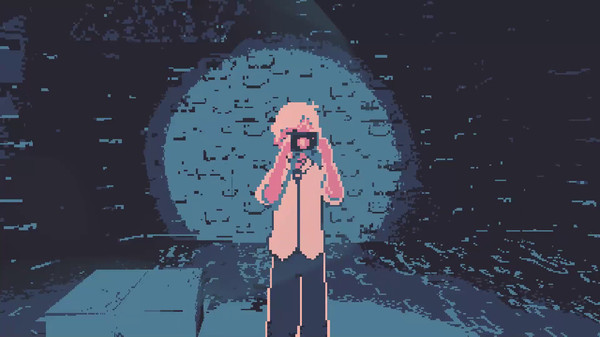
Eronoctosis is a free, 2-player, co-op horror game with mature themes. It uses dithering and color quantization along with billboard characters and a voxel level design to create a dream-like world. The two players are one dreaming person, seeing them self in the dream and working together to put them self back together by collecting buckets of guts in order to put a body back on a skeleton. Along the way monsters, representing feelings ranging from shame to inadequacy to vulnerability, attempt to separate the players from each other (and their heads). One player holds a flashlight while the other holds a camera; killing monsters requires the players to work together utilizing both tools. This core game was made in a 2-week game jam.
The DLC, Eronoctosis: Devote Yourself To Another expands on these themes with additional content and new levels. Later updates added mutators to further extend the value of the DLC.
We used Unity. I built the on the monster AI and design. I worked on and fixed many of the multiplayer synchronization features. I implemented the achievement system and the DLC entitlement systems.
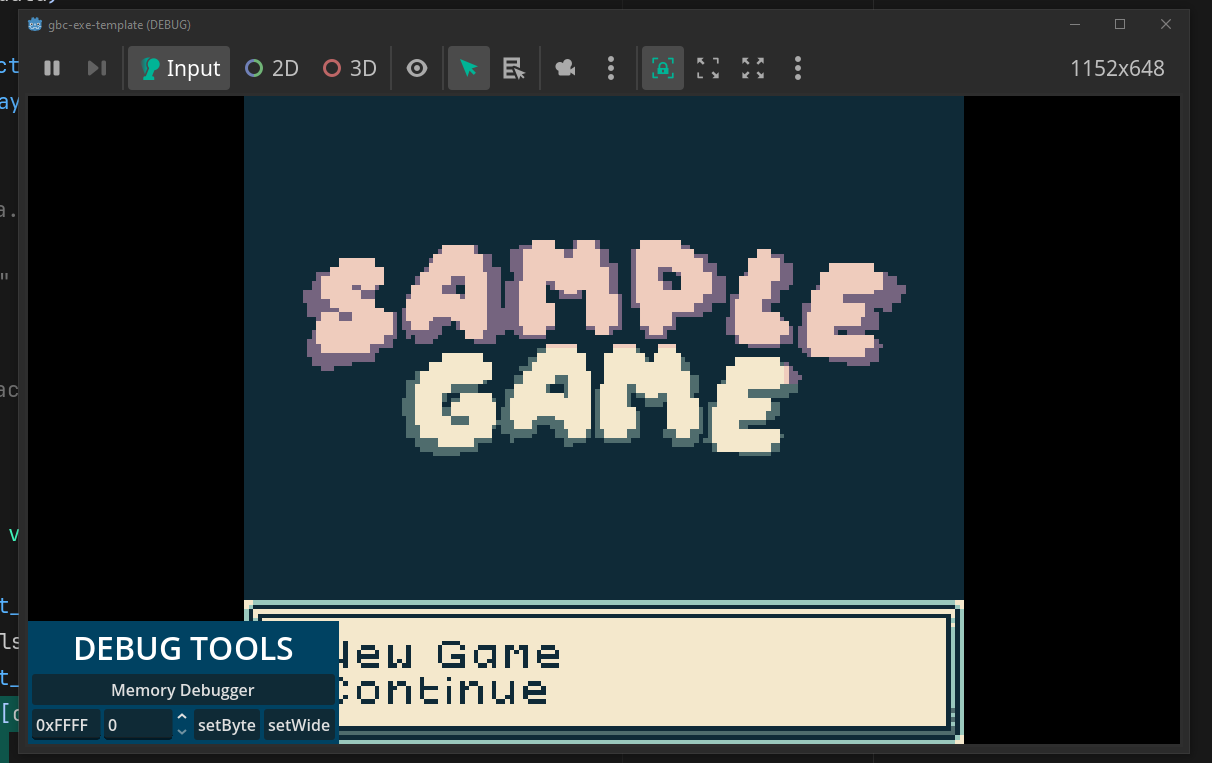
Inspired by games like 0x10c and games from Zactronics, I wanted to build a game contained real retro CPU emulation. Instead of learning a theoretical CPU, by the time you were done playing the game, you could write assembly for real hardware. I ultimately decided the GameBoy emulation was the best option for this.
I used a Rust library, RBoy, to put a fully functional GameBoy emulator into Godot. I published the first version of GodotBoy after an over caffeinated afternoon. Since then, the GameBoy homebrew community (primarily GBStudio users) has fallen in love with this project. It's allowed the homebrew community an easy path forward for distributing their games without requiring end-users to find a separate emulator. This makes Steam and Android publication possible. It also allows developers to deeply customize the experience, by reading memory values from the running GameBoy VM to trigger achievements or trigger Godot-level events. Bundling in with a full game engine means they can easily place these games in a full 3D environment for a more immersive experience.
I'm aware of at least 7 games on Steam using GodotBoy and more are always coming. It has been promoted by a number of influencers in the GameBoy homebrew community. The project ships binaries for Windows, Linux (x64 and ARM), Android, and Web, and includes tooling for easily compiling for MacOS.
Note: It works best in fullscreen due to a drifting bug with Godot's web+mouse integration. Press F11 to toggle full screen.
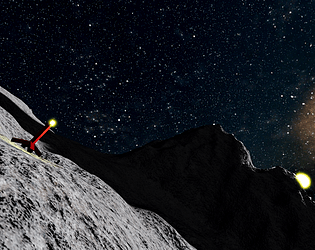
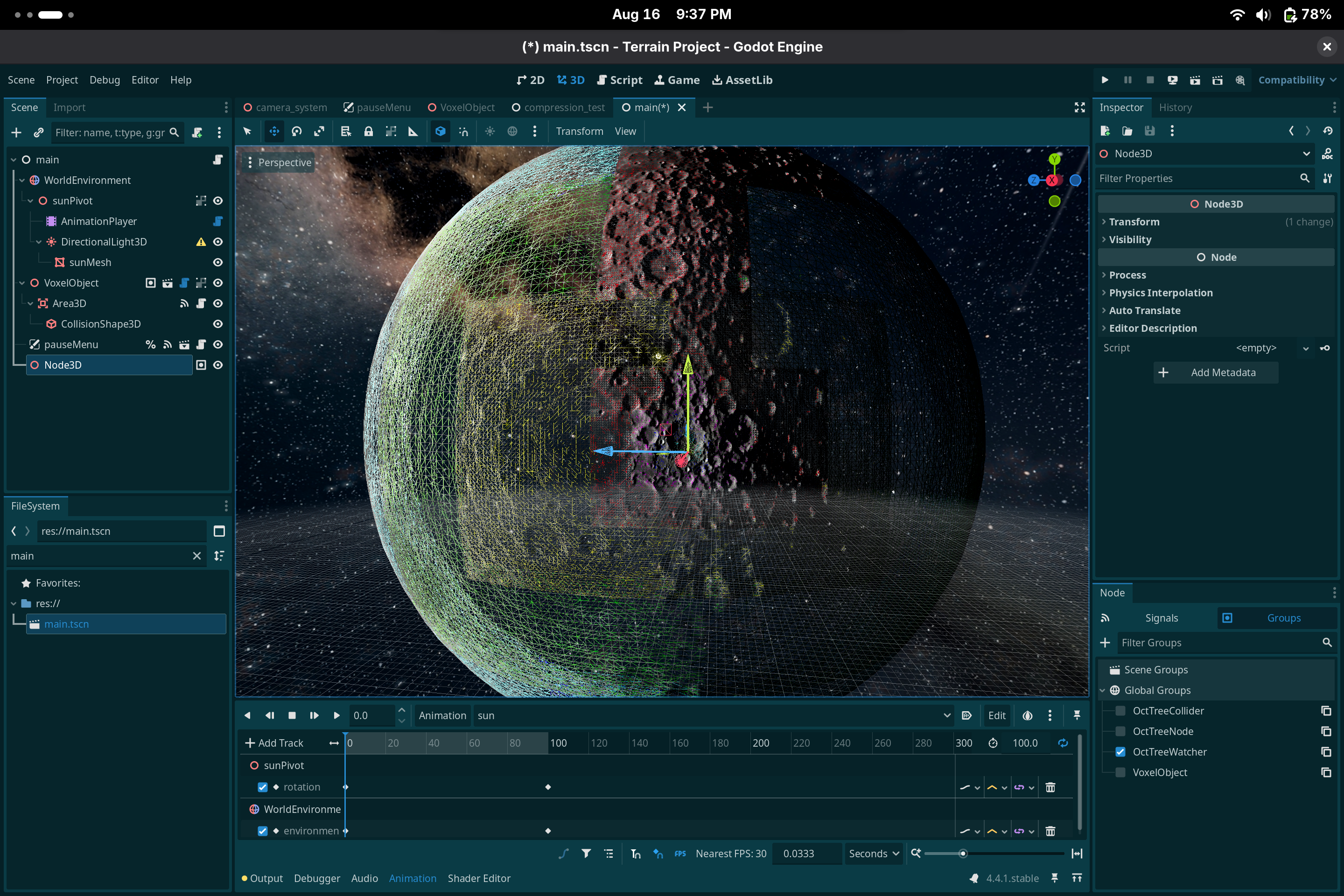
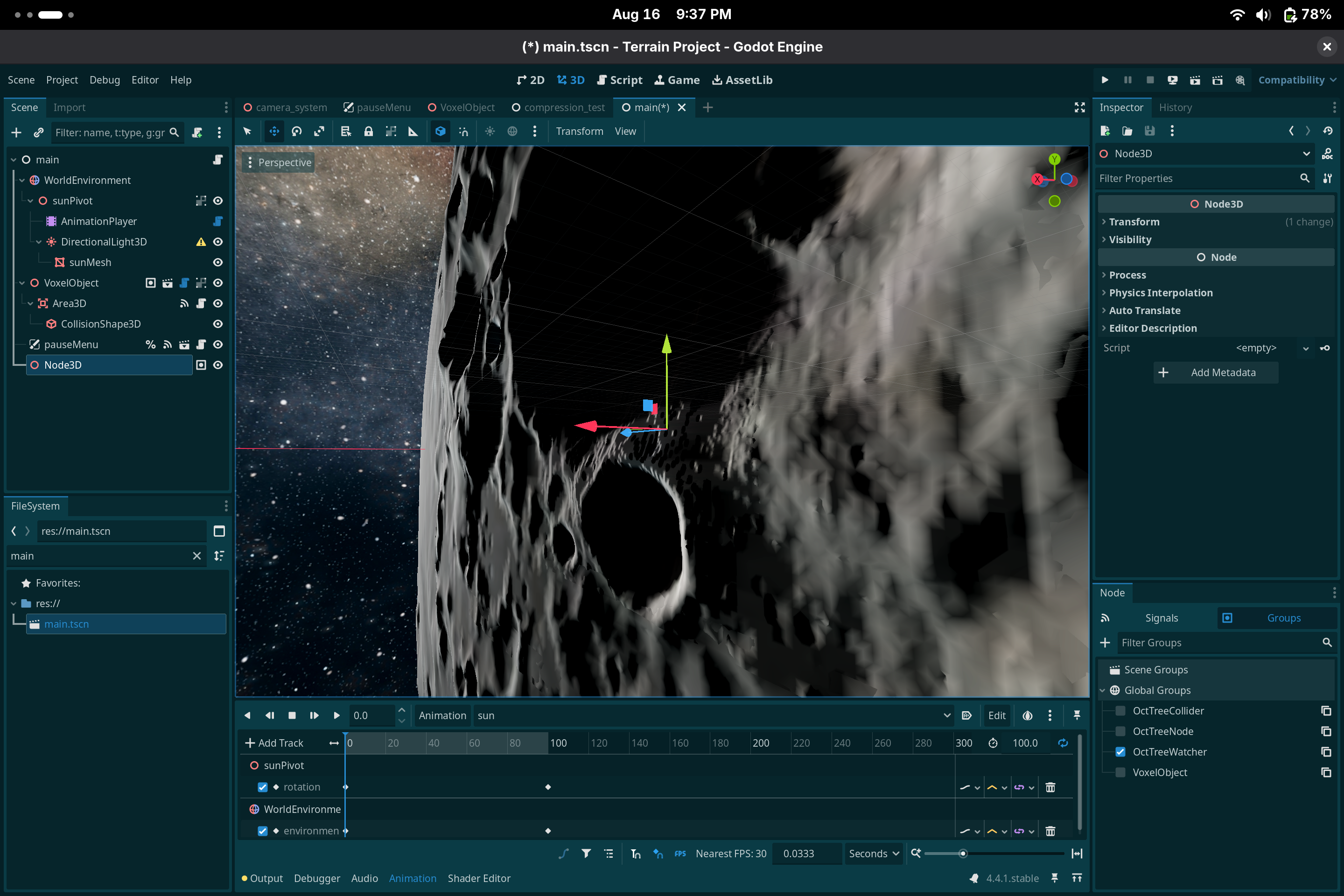
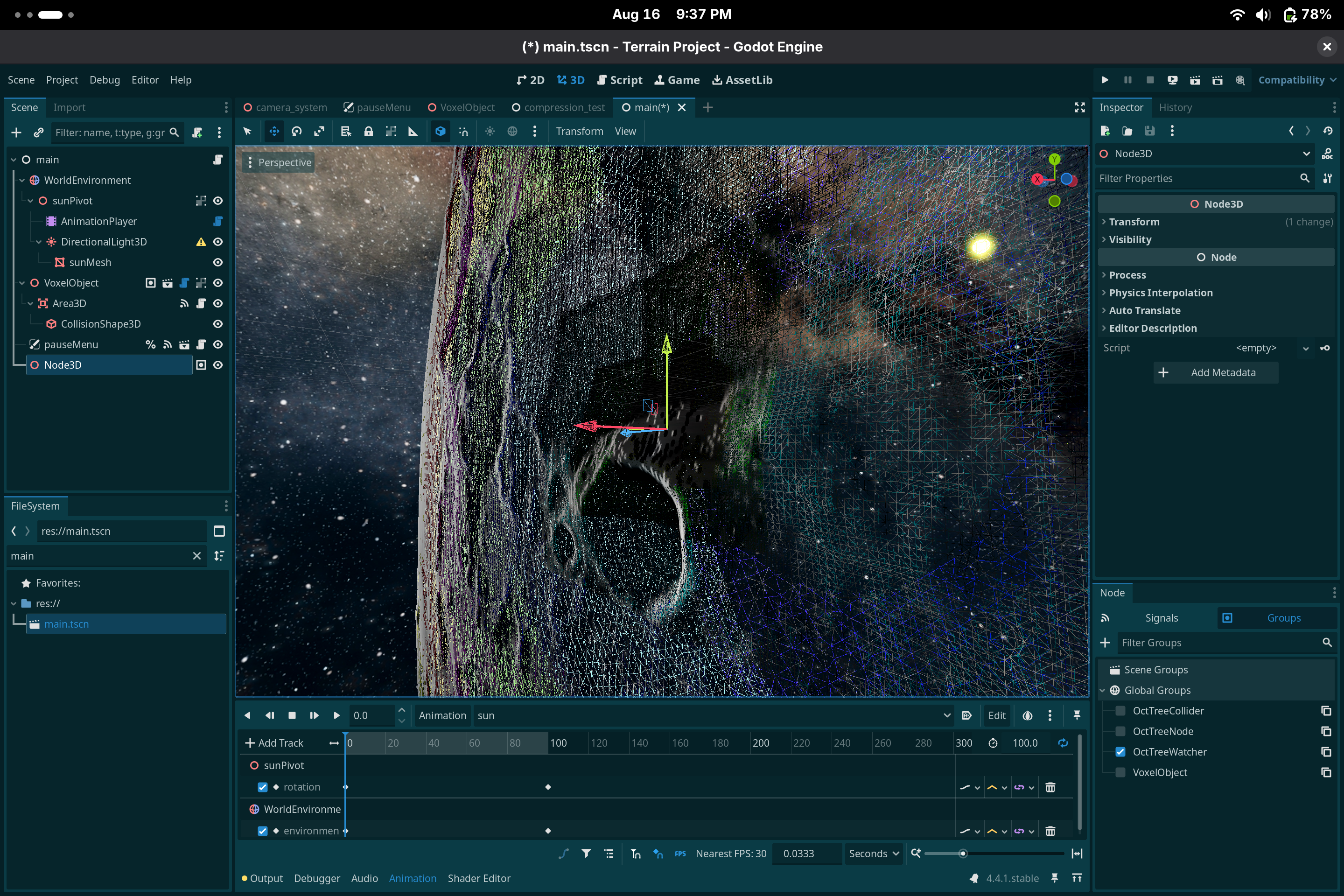
This is the latest of a number of projects that I've made that uses a voxel tool to build a planet-scale game. I have used Zylann's Godot Voxel module, but felt like it had very different priorities that made it not a good fit for my project. This time I used a fully custom Rust project using a Surface Net Rust library.
It was started at the beginning of July 2025 as part of Acerola's Dirt Jam. I've since been using it as a way to explore and push the limits of web rendering. The planet is a multithreaded Octree for chunk generation. Collision exists only in the immediate area around around objects that have a specific tag and faster moving objects get larger, less detailed collision meshes.
I was given an extra day for the jam so I added the space ship, allowing the player to orbit the planet and get a better sense of scale.
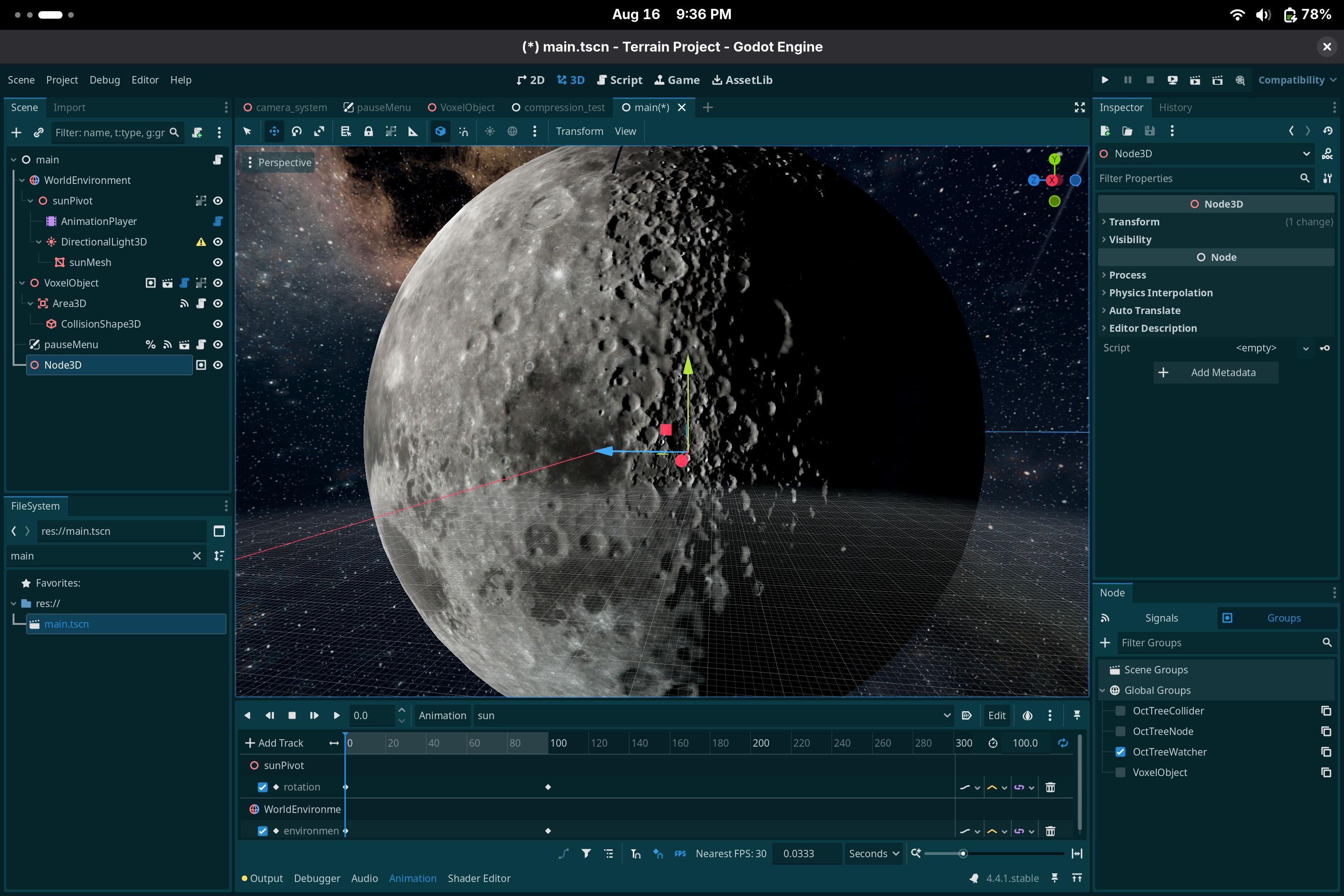
Since posting the original jam, I've replaced the noise-based planet generator with a texture-based approach, allowing use of the GPU to more easily generate terrain (even in web), an artist to hand-craft the terrain, or the use of survey data (tested with CGI Moon Kit from NASA).
| Shaded | Wireframe |
|---|---|
 |
 |
 |
 |
I launched the popular SteamMultiplayerPeer add-on to Godot. It's part of GodotSteam. SteamMultiplayerPeer functions as a drop-in replacement for Godot's built-in ENet (UDP) implementation allowing developers to quickly add Steam multiplayer as a network option for their multiplayer games.
This project is currently in use in several Steam games as well as spawned some excellent forks migrating it from a Godot Module (compiled into the engine) to a GDExtension (compiled into a more shareable DLL). I continue to help this community with debugging and updating to newer Godot and SteamWorks versions.
Currently, I'm working on an implementation of GodotSteam using GodotRust, allowing the many GodotRust games to use Steamworks features without needing a special build of Godot.
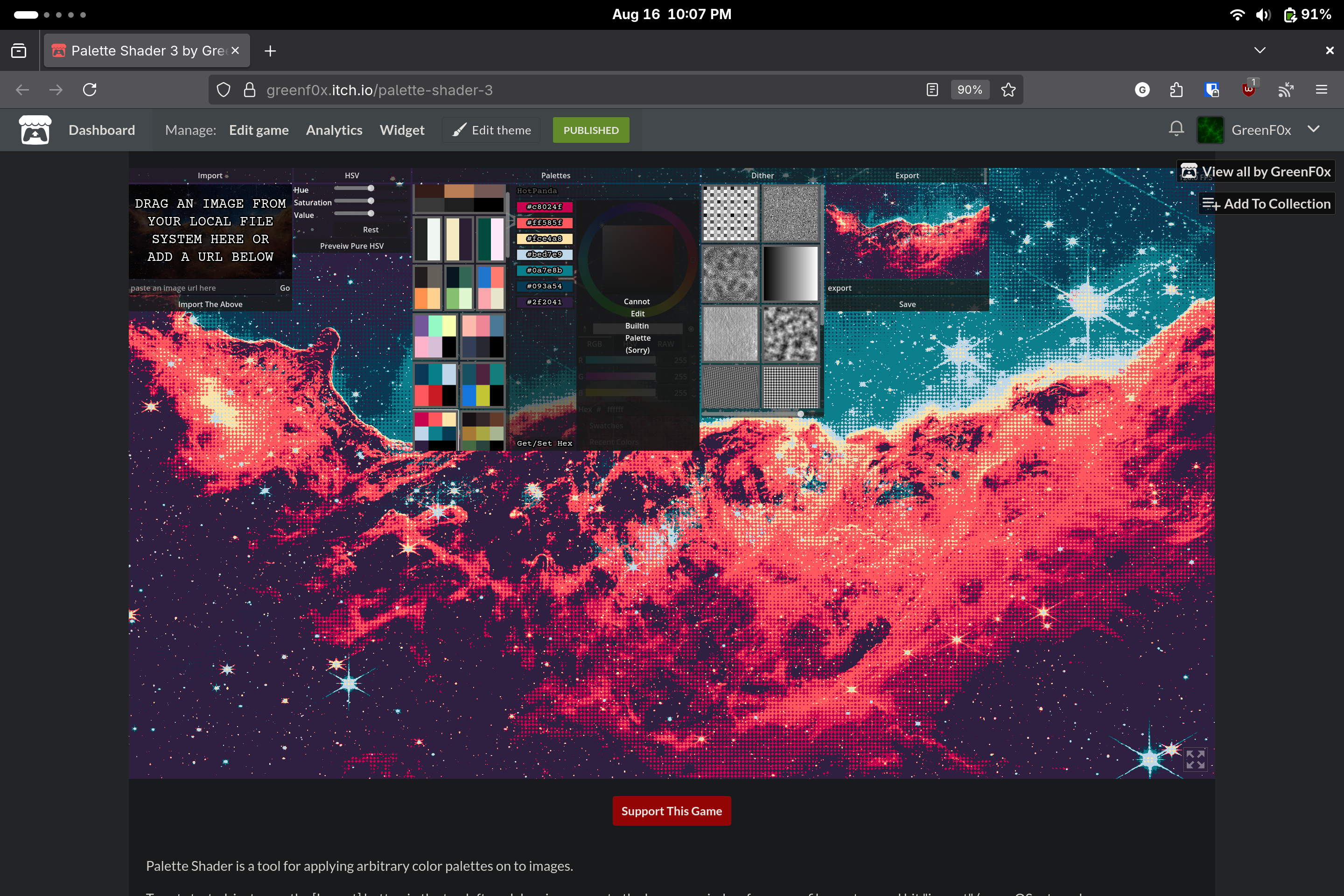
Palette Shader is a tool for quantizing arbitrary images into limited color palettes, with dithering. I have released 3 versions of this; the above link is the latest version and has been updated for Godot 4. There's been many iterations of the UX for this project over years. The current version lets you save your palettes and import/export easily to external tools.
Most quantization algorithms use something like a brightness color ramp. Palette Shader uses a euclidean distance function, allowing it to more closely match the input image's hue and saturation.
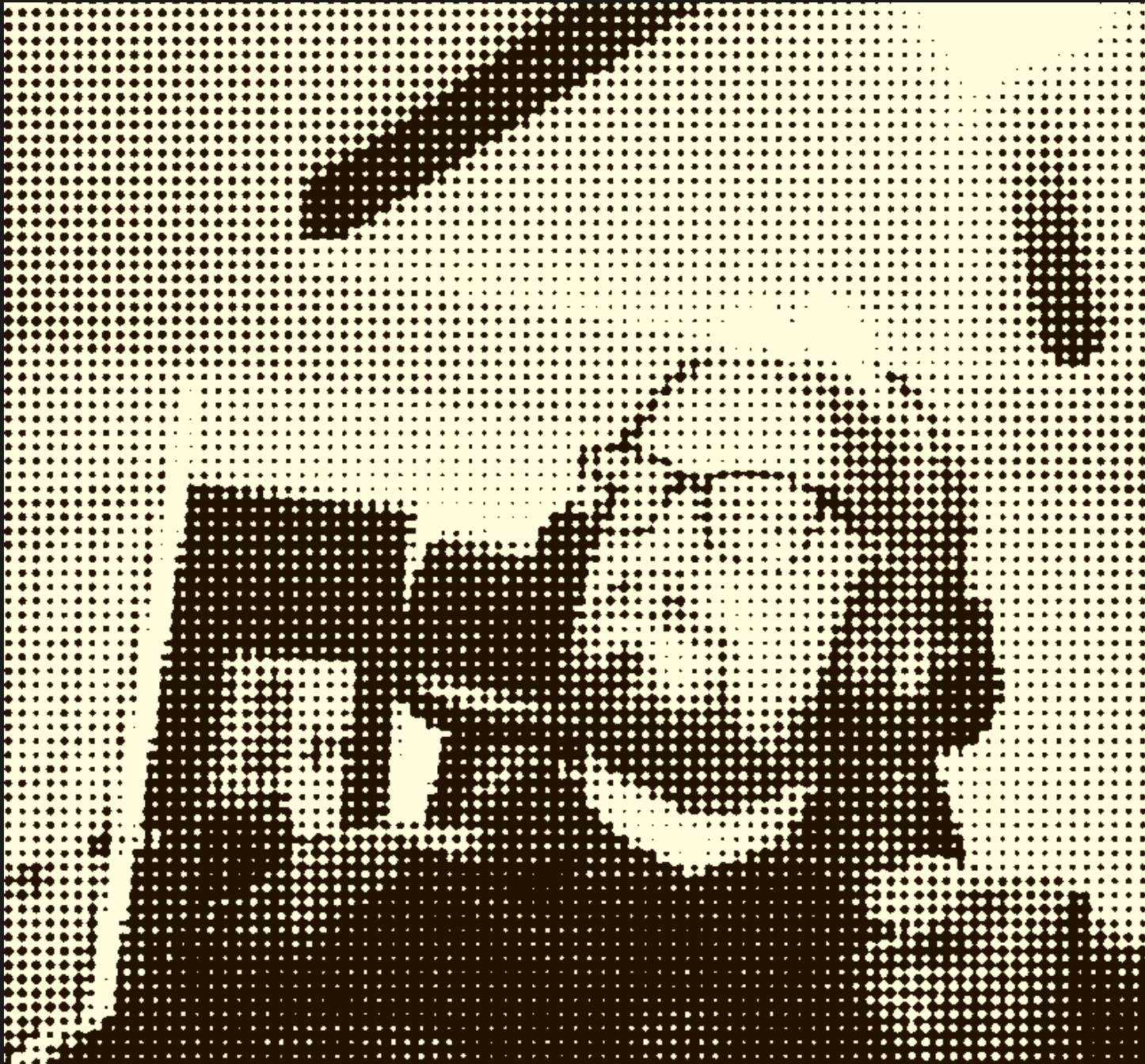
This applies an earlier version of the Palette Shader to a webcam implementation. It's built on a mix of Godot and direct engine to JavaScript calls to capture the webcam.
| Palettized | FPS | Demo |
|---|---|---|
 |
 |
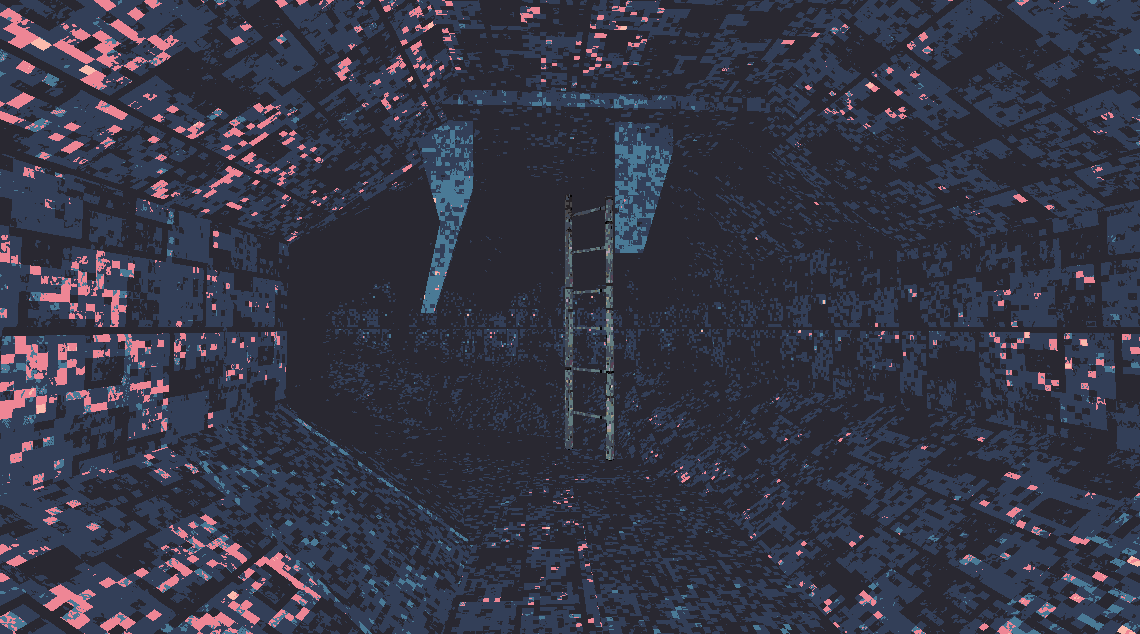 |
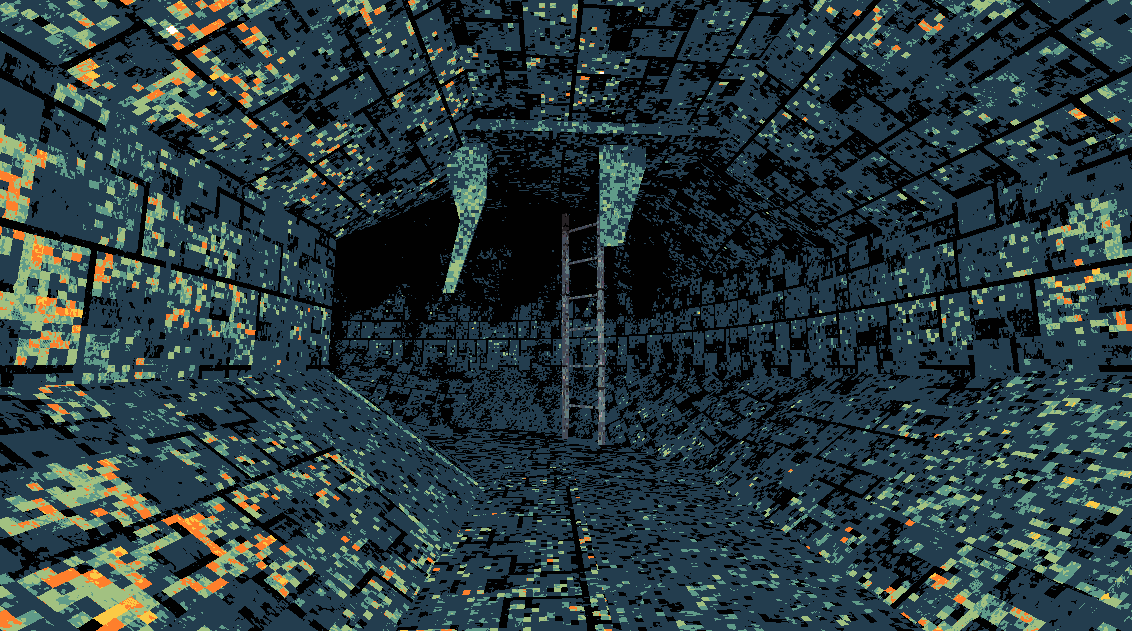
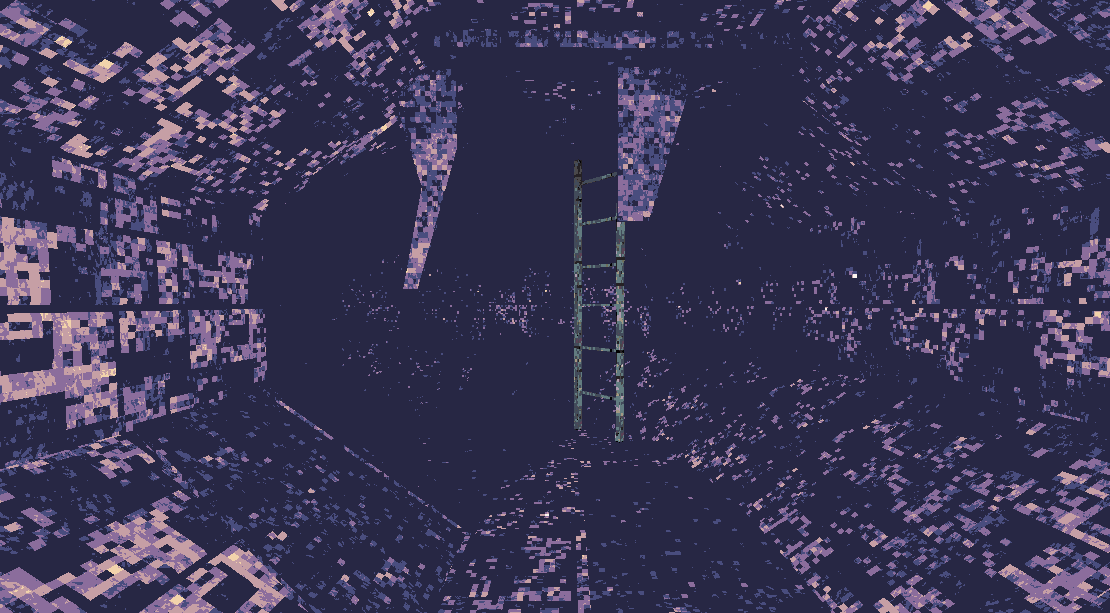
This was made in a few days at the end of a jam as a proof-of-concept for Palette Shader in real-time on rendering. Objects can have any arbitrary color palette along with different dithering patters. A metal, wood, plastic, or grassy surface can all use different dithering patterns lending to very different surface effects. The intention was to demonstrate to artists a fast workflow for an extreme dithered art style for a horror game similar to Eronoctosis.
It also uses TrenchBroom for a level editor. A portion of this game was building out the art pipeline for selection objects and applying appropriate Palettized material, within an external level editor.
Like the lunar project, this one also works best in fullscreen. Press escape to open the pause menu and click resume to re-capture the mouse.